Successive temperature fluctuations can reduce the efficacy of the vaccine. It must therefore be kept at a constant temperature between 2 °C and 8 °C (or according to the manufacturer’s recommendations) from production to administration.
Temperature monitoring tools must be placed inside equipment as follows:
- Close to the products
- Away from the evaporator and walls (for active cold chain) or the ice packs (for passive cold chain )
- Where visible, to facilitate reading
- Where they are not at risk of being damaged
The monitoring tools used vary depending on:
- The activity (storage, transport, vaccination, etc.)
- The equipment being monitored (refrigerator, cold room, vaccine holder, etc.)
- Stand-alone monitoring devices are used, even if the equipment has an integrated temperature display
Figure 41.1 - Temperature monitoring tools
| Storage | |||||
|---|---|---|---|---|---|
| Equipment | Storage of products | ||||
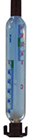
Refrigerator, Cold room* | Alcohol thermometer |
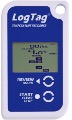
| 2 LogTag (panier haut el panier bas) |
| Log sheets |
 | + |  | + |  | |
*For the cold room, an SMS alarm is recommeded | |||||
Freezer (for ice packs) | Alcohol thermometer |
| 2 LogTag and lower basket) |
| Log sheets |
| + | | + | | |
| Transport | |||||
|---|---|---|---|---|---|
| Equipment | Vaccination activities Vaccination campaign | Capital > project/district >Health centre | |||
| RCW25 cold box | Alcohol thermometer |
| LCD thermometer |
| 2 LogTag |
| + | 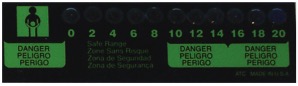 | + | | |
| Vaccine carriers | No thermometer FOAM + LID VVM | ||||
 | |||||
Source: MSF photos
Note: in certain situations, Stop!Watch® cards with Freeze-tag® are used for cold chain
temperature monitoring of products in storage.
Any cold chain breach must be recorded in detail and reported to the person in charge to
determine whether vaccines are still safe to be used (See Appendix 42).
41.1 Detailed description of temperature monitoring tools
Temperature monitoring log (See Appendix 22)
This log is used to record and monitor temperatures in a refrigerator or freezer. Several formats exist, depending on the organisation concerned (Ministry of Health, WHO, etc.).
The temperature inside the equipment must be read twice daily (morning and evening) every day of the year and recorded on the monitoring form attached to the equipment.
Instant read thermometer
An instant read thermometer displays an instantaneous temperature reading, it does not record temperatures.
The two main types are alcohol or liquid cristal (LCD).
| Alcohol thermometer | LCD thermometer |
|---|---|
Code MSF : PCOLTHER35A | Code MSF : PCOLTHER02L |
Source: MSF photos
Electronic temperature recorder
Log Tag® :
This programmable temperature recorder allows the user to map temperature changes and
download the data (tables and graphs).
Note: Log Tag® devices with a screen only display the last recorded temperature. It is therefore
essential to configure the device correctly.
The data are available using a docking station and specific software.
See: User Guide, Quick Start Guide.
The most commonly used models in resource-limited settings are the following:
| Model | Description | |
|---|---|---|
| TRID30-7F | LCD display model that can be used for twice-daily temperature monitoring. It is the most used in resource-limited settings as it does not require a reader or computer with software to instantly check the temperature and alarm information. MSF code: PCOLMONITLIF | 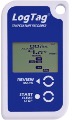 |
| TRIX-8 | Basic model with two LEDs (green for “OK” and red for “Alarm”). Used for international transport. It can be reused for local transport and storage. MSF code: PCOLMONITLX | 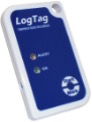 |
Source : Photos MSF
FridgeTag 2® :
This non-programmable temperature recorder allows the user to monitor temperature changes on the screen, download data of the last 30 days and requires no specific software. See, User Manual. It can be used instead of a Log Tag®.
| Model | Description | |
|---|---|---|
| Internal sensor | Used in many health centres (supplied by the Ministry of Health, WHO and UNICEF). Code MSF : PCOLMONITF2 | 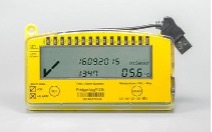 |
Source: MSF photos
41.2 Vaccine vial monitor
An indicator that changes colour (darkens) irreversibly when the vaccine is exposed to heat for a given amount of time. The indicator is applied to the cap or label of the vaccine vial or ampoule.
All vials for which the square is lighter than the surrounding disk can be used; however, vials whose square has begun to change colour should be used first.
Figure 41.2 – VVM colour changes
 |
| The square is lighter than the circle. If the use-by-date has not passed, USE the vaccine. |
 | A little later, the square is still lighter than the circle. If the use-by-date has not passed, USE the vaccine. | |
 | Limit The square is the same colour as the circle. DO NOT USE the vaccine. Notify the supervisor. | |
 | Beyond the limit The square is darker than the circle. DO NOT use the vaccine. Notify the supervisor. |
41.3 Stop!Watch® card with Freeze-tag®
This card is equipped with irreversible temperature monitor and freeze indicators. It is used to verify the temperature inside a refrigerator.
Place the card in the refrigerator 60 minutes before activating it by pulling the tab. It should remain in the refrigerator at all times.
The Stop!Watch® card is a supplementary monitor that does not eliminate the need to fill in the temperature monitoring sheet 2 times daily.
- A heat-sensitive indicator with four windows (A, B, C, D):
- Windows A, B and C turn gradually and irreversibly blue when the indicator is exposed to temperatures above 10 °C, as a function of the exposure duration and temperatures.
- Window D turns blue within 2 hours when the indicator is exposed to temperatures above 34 °C.
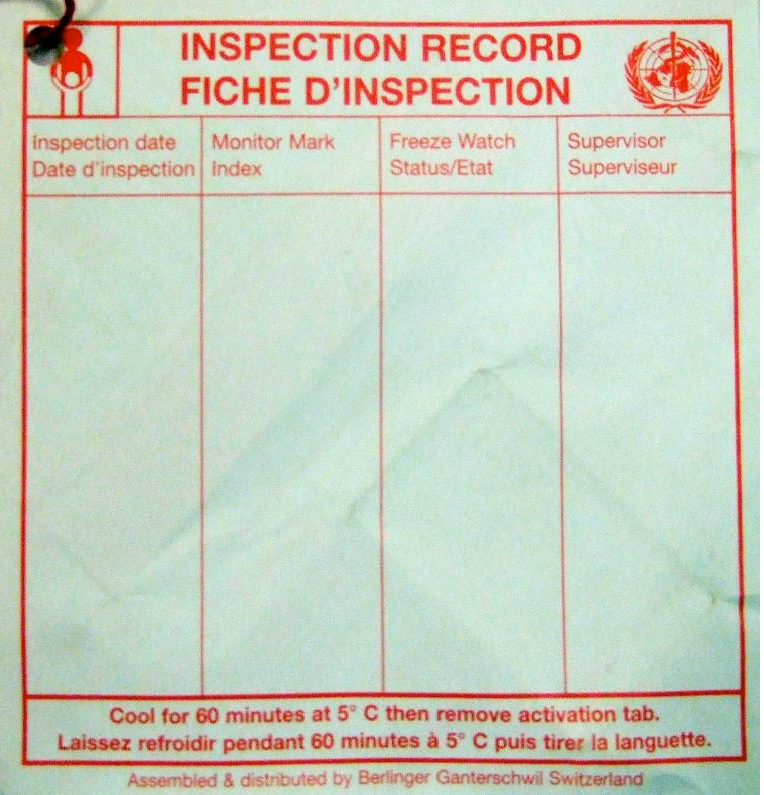
Figure 41.3 - Stop!Watch® card with Freeze tag®
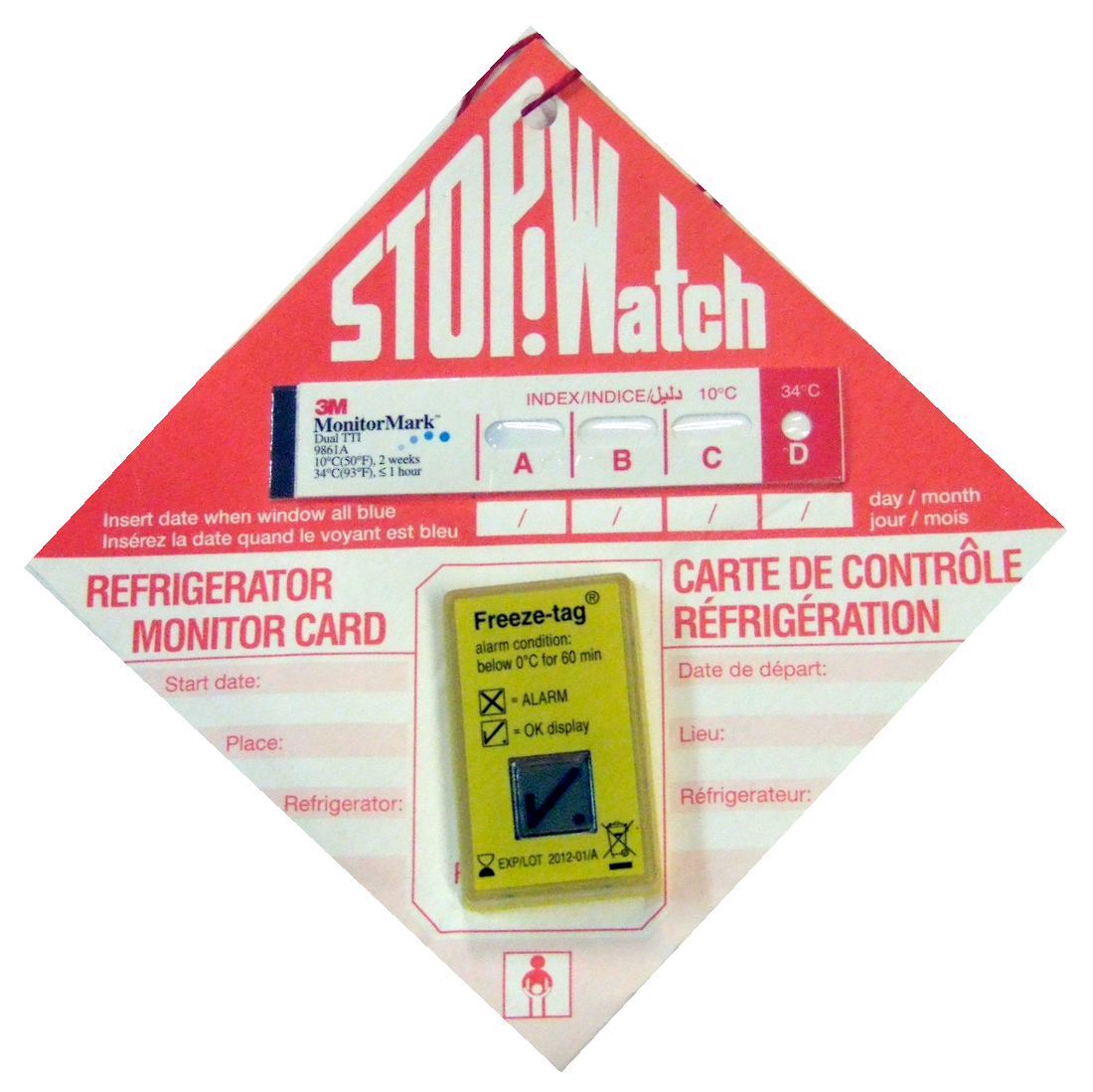 |  |
- On the front of the card, write:
- The date it was put in service
- The name of the storehouse
- The number (identification) of the refrigerator
- The date on which a window (A, B, C or D) turned blue
- On the back of the card, write:
- The inspection date
- The status of the indices (A, B, C or D)
- The status of the freeze indicator
- The supervisor’s name
Figure 41.4 - A freeze indicator (Freeze-tag®)
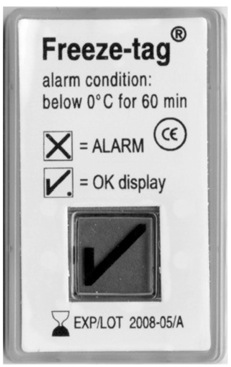 | 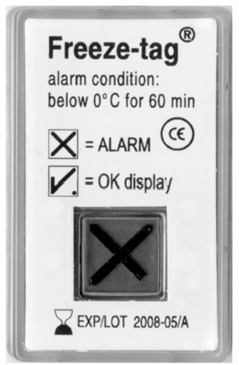 |
When the indicator is exposed to a temperature of 0 °C for more than 1 hour, the screen changes from “OK” to “ALARM”.
Any colour changes or triggering of the freeze indicator should be noted on the back of the card.